Learning Experience/Unit
Composing with Noteflight by St. Lawrence-Lewis BOCES
Grade Levels
Intermediate, 5th Grade
Assessment
See attached rubric
Learning Context/ Introduction
5th grade band students will compose short pieces of music for their instruments using Noteflight. The emphasis in this unit is on composing as a creative activity and the use of the Noteflight website. Students will explore composing from the perspective of "being a composer." Most students have been in band for one year, can read music fluently, and can perform about an octave on their respective instruments. Students have no prior experience composing, with the Noteflight website, or any music notation software.
Duration
Four 40-minute class periods with a small group (ten students)
Essential Question
How do composers write music?
Instructional/Environment Modifications
No modifications were required.
Procedure
Day 1: SMART Board room
- Present essential question: How do composers write music? Use attached SMART Board file. Brainstorm the steps involved in composing. Relate composing in music to writing a story.
- List the steps: write, review, edit, practice, and perform
- Demonstrate Noteflight using the SMART Board. Show tutorial video, stopping often and completing the steps as a class: Add notes, add rests, change notes, add sharps and flats, add slurs, etc.
- Compose a short piece as a class. Each student may write his/her own measure. Use the playback feature to hear what the composition sounds like.
Days 2/3: Computer lab
- Each student logs in to Noteflight. Demonstrate login using a computer and LCD projector.
- Review how to enter notes on projector and begin composing. Show editing steps on the projector as needed. Save work often.
- Work through the steps: "write and review." Review by listening to your music. Do you like how it sounds?
- Edit with teacher. Start with the following questions: Is it too easy or too hard for you to play? What other kinds of notes and patterns could you add? Is it a good length? Do you want to repeat anything?
- Print work, if finished.
- Practice on your own at home and during lessons.
Day 4: SMART Board room
- Perform compositions for peers; display each composition on the SMART Board.
- Record compositions using Audacity, format as mp3, burn to CD or post on school website.
- Students give positive feedback to each performer. Highlight and playback portions on the SMART Board, if necessary.
- Evaluate compositions using rubric.
Composer's Club Lesson 1.notebook
Reflections and Feedback
Student feedback questionnaire attached.
Examples of student feedback:
- What did you like the most? "I like thinking about how the music will turn out." "The feeling of writing music like the great Beethoven and Mozart."
- What did you like the least? "Listen[ing] to things that don't turn out good."
- What will you do differently next time? "I will make the tempo slower." "I will know I can do this by experience."
Noteflight was difficult to use as a class on the SMART Board. Entering and changing notes requires first highlighting the section you want and then entering the notes. This doesn't always work well and confused the kids. Using a computer and LCD projector might be a better option in some cases.
At the time we used Noteflight, we were not able to enter dynamic markings; this feature has since been added and will make the site much more useful. The site still seems to lack crescendos and diminuendos.
The students took to the project very quickly and were excited to write down their ideas. Much of the guidance I gave was along the lines of, "Will you be able to play what you just wrote? Is it too hard or too easy?" The students were very creative and each composition reflected the individual style of the composer. Encouraging students to edit at this age was a bit difficult. Many students want to print out the first thing they write. When I use this project again, I will spend some time creating better questions and cues to encourage them to edit effectively.
Composer's Club Survey.doc
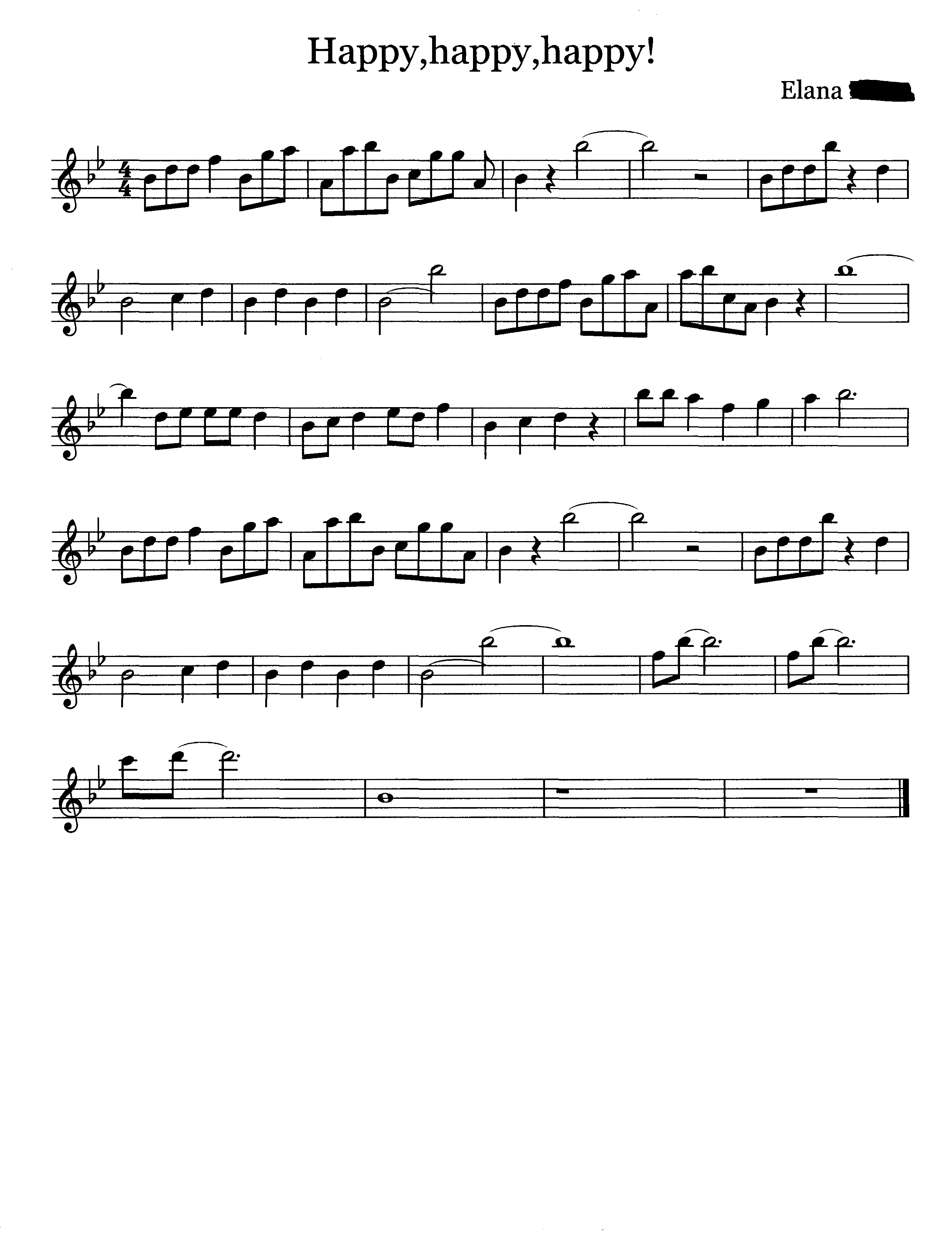
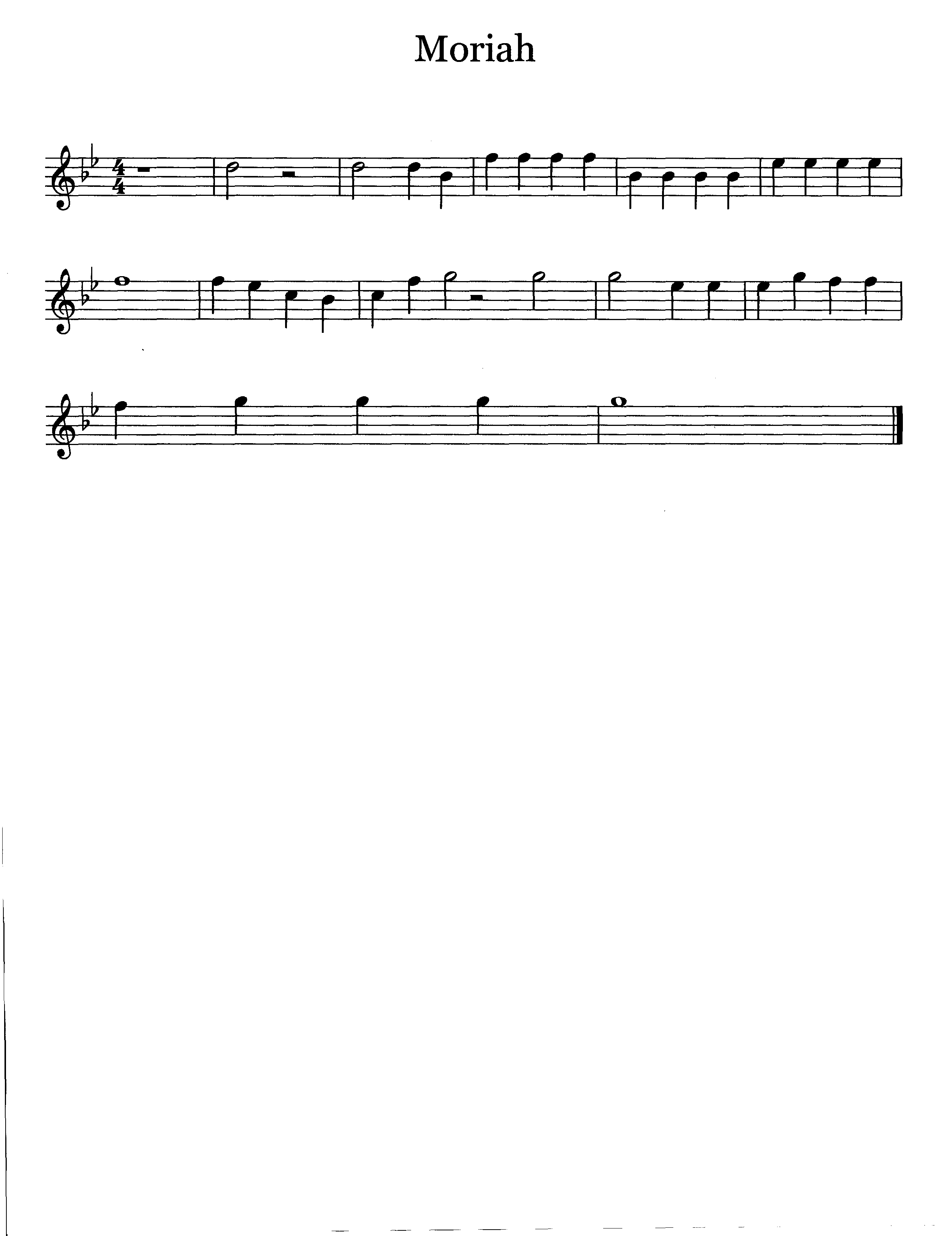
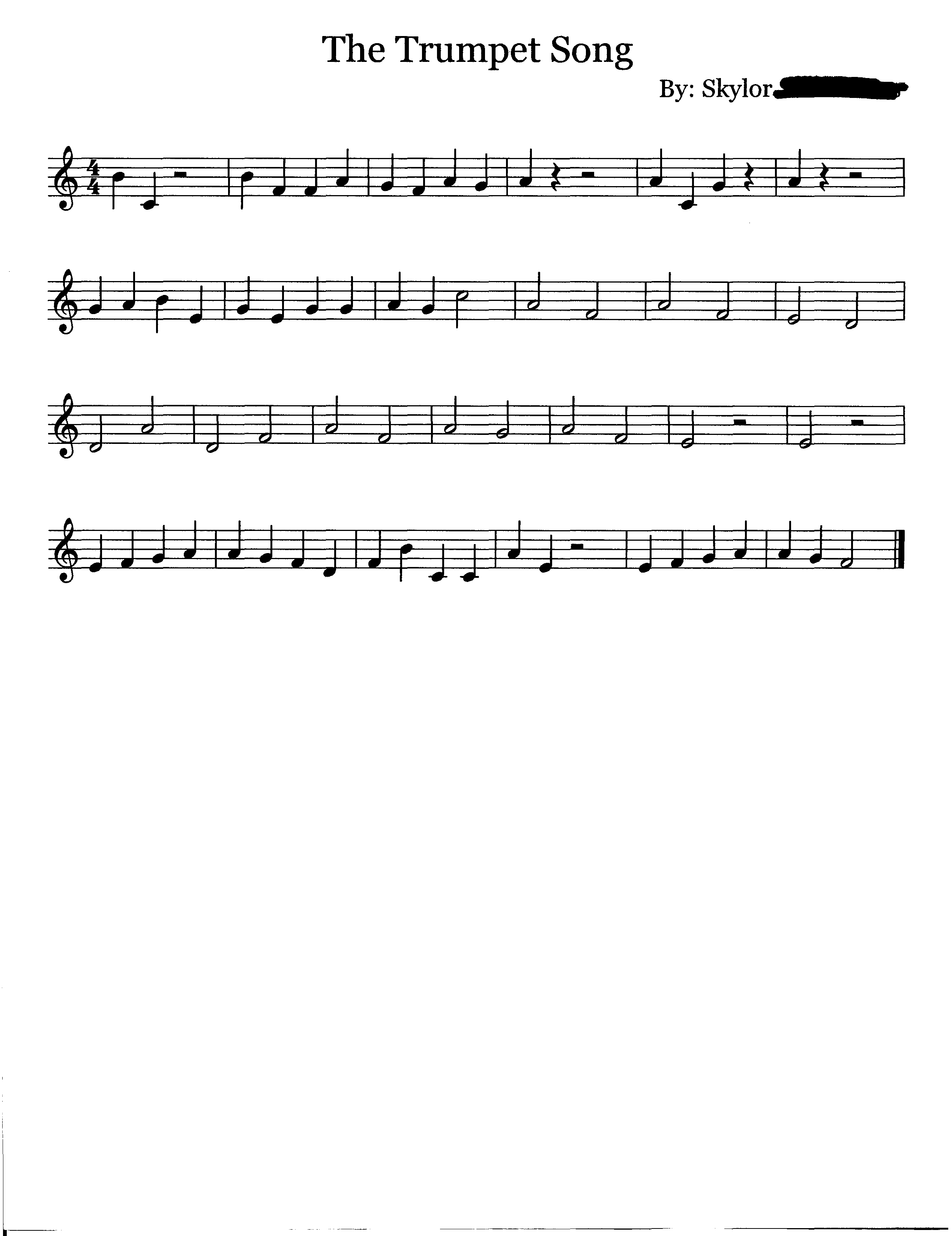
Student Work
High, Medium, and Low examples are attached.
Related Resource
Website(s)
Noteflight
Noteflight Tutorial Video
Materials and Resources
Composer's Club Survey.doc
Composer's Club Lesson 1.notebook
Composer's Club Rubric.doc
Vocabulary
Composer, sharp, flat, time signature, key signature, slur, tie.


